Computing at Ladygrove – Our Intent.
At Ladygrove Primary School and Nursery, we believe that every pupil should receive a rich learning experience that balances all aspects of Computing. Following the Teach Computing Scheme of Work, Ladygrove teaches Computing through a broad variety of both ‘unplugged’ computing lessons (without technology) and learning hands on with ICT equipment. Pupils will be taught in both dedicated lessons and through cross-curricular planning. With technology playing such a significant role in society today, we believe that computational thinking and creativity are skills that should be encouraged and instilled in children. We aim to progress children’s knowledge and understand of Computing gradually from year to year. We want to allow them to dive deeper in their understanding through discussions and using the skills they learn in each lesson to explore and feed their natural curiosities safely. This is why at Ladygrove E-safety is a top priority and we must educate children on how to be safe online. From EYFS to Year 6, our pupils are educated on eight different aspects of online education. This is delivered through a combination of educational e-safety books, Natterhub – Education for a Connected World scheme of work.
These eight aspects of our pupils’ education on how to be safe online are:
1. Self-image and identity
2. Online relationships
3. Online reputation
4. Online bullying
5. Managing online information
6. Health, wellbeing and lifestyle
7. Privacy and security
8. Copyright and ownership
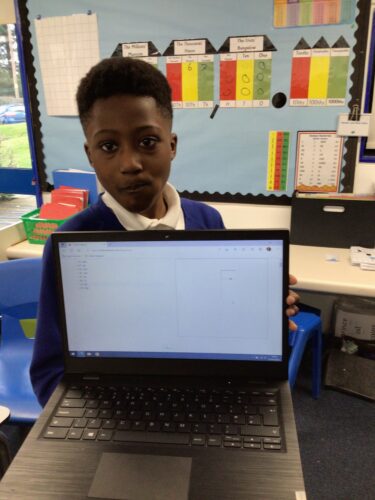
Computing has strong links to all subjects including English, Mathematics, Science and Design Technology. At Ladygrove, we offer a broad and balanced curriculum that prepares pupils to use computational thinking and creativity to understand and change the world. Children are introduced to a wide range of technology such as iPads, laptops and interactive whiteboards to enable them to learn and practise new skills. Children will use ICT equipment for their learning across all subjects in a cross-curricular manner. The aim of this is to familiarise pupils with technology available in school to enable them to utilise ICT resources and become more digitally literate. At Ladygrove we actively promote children to utilise ICT to express themselves, develop ideas, be more creative and dive deeper in their learning with the freedom and resources it offers to explore areas of interest.
Implementation: How we teach Computing at Ladygrove Primary School and Nursery
At Ladygrove Primary School and Nursery, computing is taught through the Teach Computing Scheme of Work and Natterhub (E-Safety). Our computing curriculum is designed around four key areas:
1. Computing Science
2. Information Technology
3. Digital Literacy
4. E-safety.
In Computing Science, pupils are taught the principles of information and computation – how digital systems work and how to put this knowledge to use through programming. Pupils will build on this by using information technology to create programs, systems and a range of media content and games. Pupils will utilise and become familiar with Scratch software, Microsoft Office Programs and other media editing software throughout their learning journey.
Computing in EYFS
In EYFS, children will begin to recognise technology within the classroom and understand the importance of handling it with care.
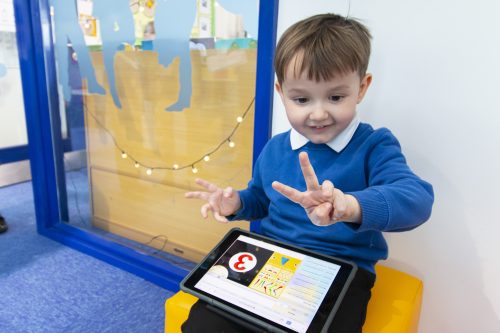
Children will gain computing experience through handling technology more purposefully and exploring the functionality through play. They will begin to understand programming through simple instructions using physical technology. This will include BeebBots, iPads and interacting with the classroom SMARTBoards and Prometheon Boards. ICT equipment is used to help children to develop their communication and language by enabling them to understand the meaning of words, explore sounds and expand their vocabulary. Technology also provides another platform on which pupils can express their thoughts, feelings and emotions and understand the world around them. For those children whose home language is not English, ICT is used to provide opportunities to develop and use their home language in play and learning. This ensures that every child is supported in both their home language and English.
Computing lessons provide a wide range of opportunities and resources for children to understand the world around them. Children use ICT to make sense of their physical world and community by exploring, observing and researching.
Children will be educated on the importance of E-safety and will discuss the concept of passwords and the necessity to keep them private. This will enable them to develop the early understanding of privacy when accessing technology. Children will leave EYFS with an early introductory knowledge and understanding of ICT in the world around them and be able to discuss these. Children will also be able to programme a simple set of instructions.
The importance of conversing and communicating is at the core of Early Years and staff will use these opportunities to assess against the Technology strand of the Early Years Outcomes.
Computing in KS1
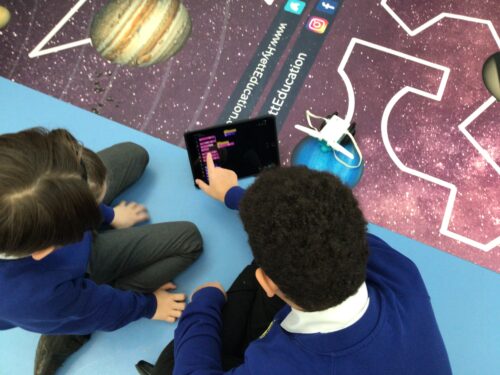
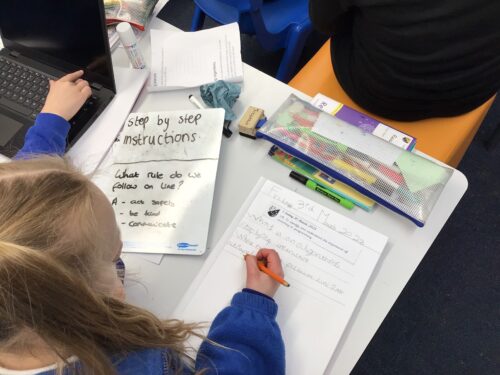
In KS1 teaching will start to follow the core computing curriculum from the Teach Computing scheme of work. Pupils will begin to explore computing through basic coding algorithms. They will be taught to understand what algorithms are and how they are implemented as programs on digital devices. Pupils will learn that programs follow precise and unambiguous instructions. From this, pupils will develop their computational thinking by using software and ICT equipment e.g. BeeBots. They will learn how to create and debug simple programs and use logical reasoning skills to predict the behaviour of simple programs. Each lesson will begin with a ‘review and recap’ where teachers will revisit key vocabulary and previous learning objectives. This is to assess children’s knowledge and understanding and benefit their retention.
Pupils will explore technology more purposefully by developing fundamental ICT skills, using iPads and laptops to create Microsoft Word documents, PowerPoint presentations, leaflets and posters and videos. Through this, pupils will be taught to recognise the common uses of information technology beyond school. Pupils are taught how to use technology safely through E-safety lessons (Natterhub), understanding the importance of keeping personal information private. Additionally, Pupils will be educated on where to go for help and support when they have concerns about content or contact on the internet or other online technologies.
Computing in KS2
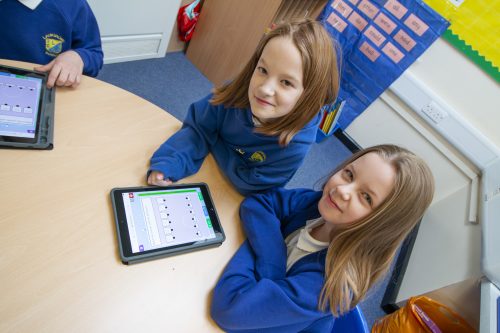
KS2 pupils continue to follow the Teach Computing Scheme, frequently working in collaboration with each other. KS2 lessons will continue to start with a ‘review and recap’ on prior key vocabulary and knowledge from their learning.
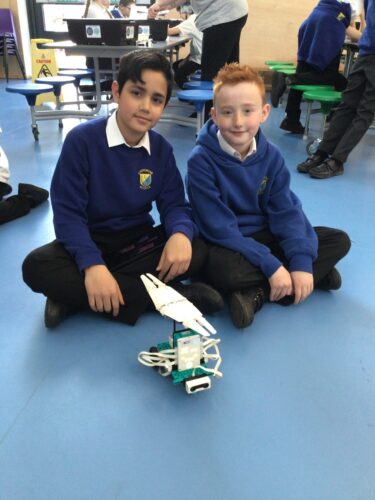
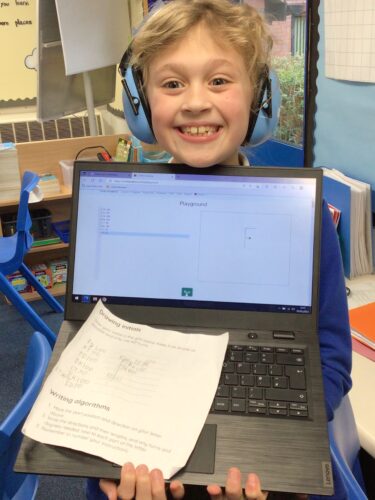
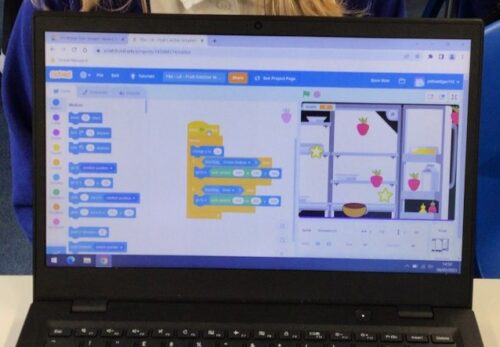
From Year 3 to 6, pupils are progressively introduced to complex processes in Computing. They will use ‘Scratch’ to design, write and debug programs with specific goals, including controlling or simulating physical systems. Pupils will learn to solve problems by decomposing them into smaller parts. They will be taught to use more complex coding skills such as sequencing, selection and repetitions in programs.
ICT will is used across subjects and taught in a cross-curricular manner. This aims to educate pupils how to use ICT to assess, research and present information using various software and equipment.
Pupils will learn about networks and how we are able to access the internet in school. They will also learn the differences between the internet and the World Wide Web. As pupils progress through KS2 they will become more digitally literate and develop foundation ICT skills, such as touch typing, using Microsoft Office software and video/audio editing software.
E-safety will continue to be educated through Natterhub – Education for a Connected World. Pupils will learn about the risks of being online, their digital footprint and how to be e-safe. New aspects of online use such as blogging and vlogging are explored and pupils will be educated on copyright laws.
How we support SEND in Computing
- Beebots
- Online safety social stories
- Headphones for dictation
- Accessibility features
- Reading pens
- Audio and visual resources
- Pre-teaching vocabulary
- Posters with visuals to define vocabulary used in classrooms
- Teacher modelling via shared screens
- Adaptive teaching
- Immersive reader
- Natterhub
How we teach Online Safety through Natterhub
At Ladygrove Primary School and Nursery, we use Natterhub for online safety education
Natterhub is an award-winning, interactive online safety and media literacy platform.
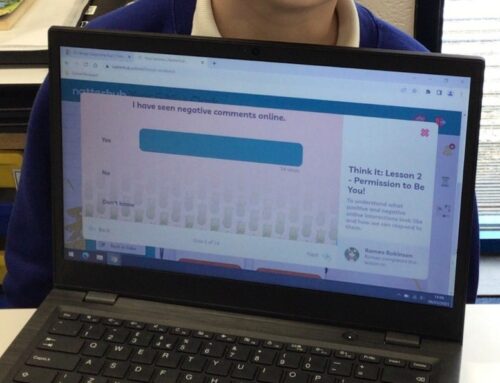
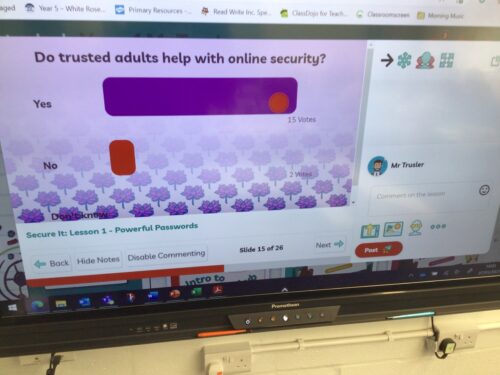
We use Natterhub lessons to prepare children for the online world by teaching the key skills that underpin positive digital citizenship. When pupils are taught to be safe, savvy and kind online, they are less vulnerable and more aware of their digital footprint.
Natterhub badges represent the topics we will cover in our online safety lessons. Pupils are rewarded badge power for demonstrating knowledge and skills attached to a particular badge.
The Natterhub Badges
Chat It – For communicating well and respectfully with others online
Balance It – Understanding the positive and negative aspects of technology
Feel It – Knowing why it is important to be empathetic and kind
Learn It -Learning how to share content, be creative and inspire others online
Mind It – Being mindful of online profiles and the need for honesty and integrity
Question It – Knowing how to ask questions, find information and be open-minded
Secure It – Ensuring accounts are secure and learning about self protection
Think It – Pausing before posting and reflecting on online behaviour
Natterhub has been specifically designed to be in line with both the DfE National Curriculum and the UK Council for Internet Safety (UKCIS – Education for a Connected World). This ensures that all aspects of online safety for primary children is taught through this scheme.
DfE National Curriculum Tracker
Helpful Natterhub Resources:
Ratings for popular YouTubers.
Guidance about platforms and games
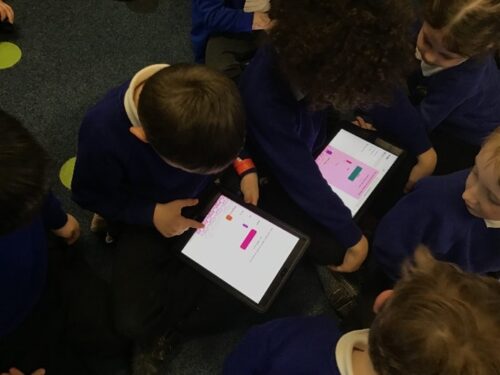
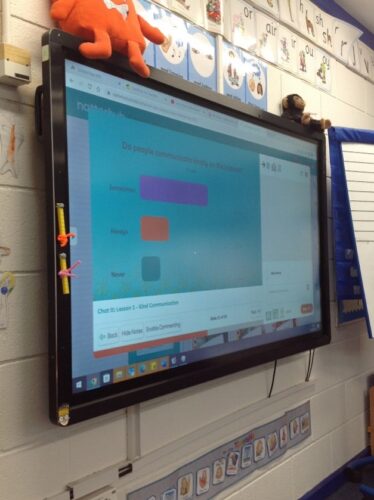
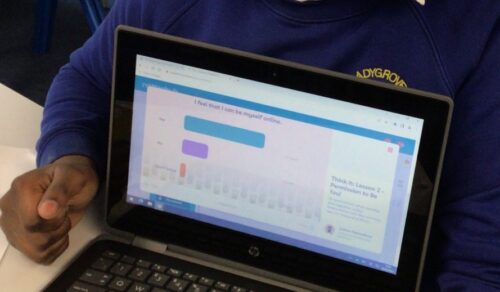
Think S.A.F.E.T.Y. Online
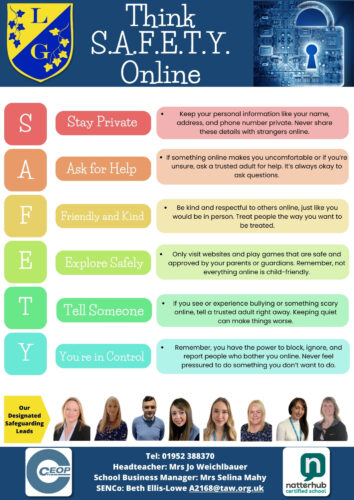
At Ladygrove we have created our own “Think S.A.F.E.T.Y. Online” poster to online safety that we promote in school. This is a simple acronym for the children to follow and keep in mind when they are online at school and at home.
Impact: Assessments, Planning Links and End Points
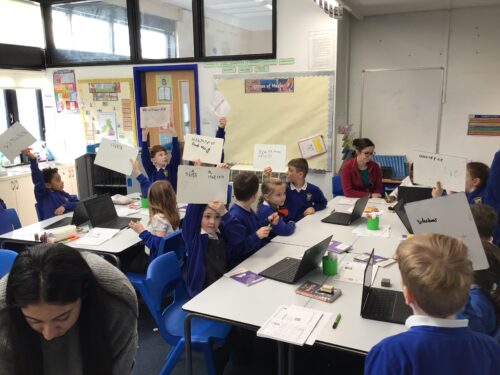
Assessing ICT and computing work is an integral part of teaching and learning, and is central to good practice. It is part of the learning process and essential that pupils are closely involved. Teachers will regularly assess pupil capabilities through observations and assessment of completed work at the end of each unit. Assessments will be made either through a test or rubric. Assessment is generally in the form of formative assessments, which are carried out during and following short, focused tasks and activities. They provide pupils and teaching staff the opportunity to reflect on their learning in the context of the agreed success criteria. For example, either during or at the end of each Natterhub E-safety lesson, pupils will participate in multiple choice questions, vote on discussion topics or complete an assessment quiz. These responses are then used to gauge their understanding in relation to the lesson objectives. Any misconceptions or gaps in knowledge are then highlighted and teachers will use this to influence future planning.
The success of the curriculum itself will be assessed via the analysis of yearly progress data, conducting regular pupil voice sessions, lesson observations and skills audits. This will then inform future adaptions of the schemes of work and help to ensure that progression is evident throughout school.
By the end of Year 6, Ladygrove Primary School and Nursery aims to ensure that all pupils leaving will have:
- Strong computational and logical reasoning skills that can be applied to benefit all learning.
- A firm knowledge and understanding of how to use technology safely, respectfully, responsibly and the ways in which to report concerns.
- The ability to apply fundamental principles and concepts of computer science, including abstraction, logic, algorithms and data representation.
- The ability to analyse computational problems and write computer programs in order to solve such problems.
- The confidence and ability to evaluate and use information technology, both new and unfamiliar technology, and analytically solve problems.
Ladyrgrove computing progression and overview
Computing Progression of Knowledge and Skills
National Curriculum Link
National Curriculum- Computing
Developing Spiritual, Moral, Social and Cultural (SMSC) Understanding through our Computing Curriculum
Here are some examples of how our broader curriculum promotes the development of SMSC through computing:
Spiritual
• By wondering at the power of the digital age – using the Internet.
• Understanding the advanced and limitations of ICT.
Moral
By teaching the importance of Internet and online safety when working online using a variety of different platforms.
• Ensuring the children have the knowledge and tools to report any instances of bullying, cyber-bullying and online safety issues.
• Exploring the moral issues around data and sharing information.
Social
By highlighting and teaching ways to stay safe when using online services and social media.
• Teaching and discussing the different ways that the Internet has impacted on communication.
• Preparing the children for the challenges of living and learning in a technologically enriched increasingly interconnected world.
• Ensuring the children acknowledge advances in technology and appreciation for human achievement in a technological world.
• Making clear the guidelines about the ethical use of the Internet and how we keep others and ourselves safe by discussing the moral and social implications of cyberbullying.
Cultural
Providing the children the opportunity to learn about different cultures through the use of the Internet and online platforms – such as Newsround, Picture News and First News.
• Providing the children opportunities to explore human achievements and creativity in relation to a worldwide communication platform.
• Opportunities to develop a sense of awe and wonder at human ingenuity.